

Many World of Warcraft players experience discomfort from long hours at the keyboard and mouse, leading to hand strain or tired shoulders. The idea that WoW must be played with a keyboard and mouse is a common belief, stopping players from seeking more comfortable options. But a controller can offer a surprisingly comfortable and effective way to play, especially for relaxed questing, open-world content, and even some dungeons. “Controller WoW Setup Basics A Comfortable Alternative for Long Sessions” will guide you through setting up a controller for WoW. Learn how to map essential actions, move with ease, and enjoy Azeroth from the comfort of your couch, making long play sessions more enjoyable.
The Comfort and Accessibility Advantage
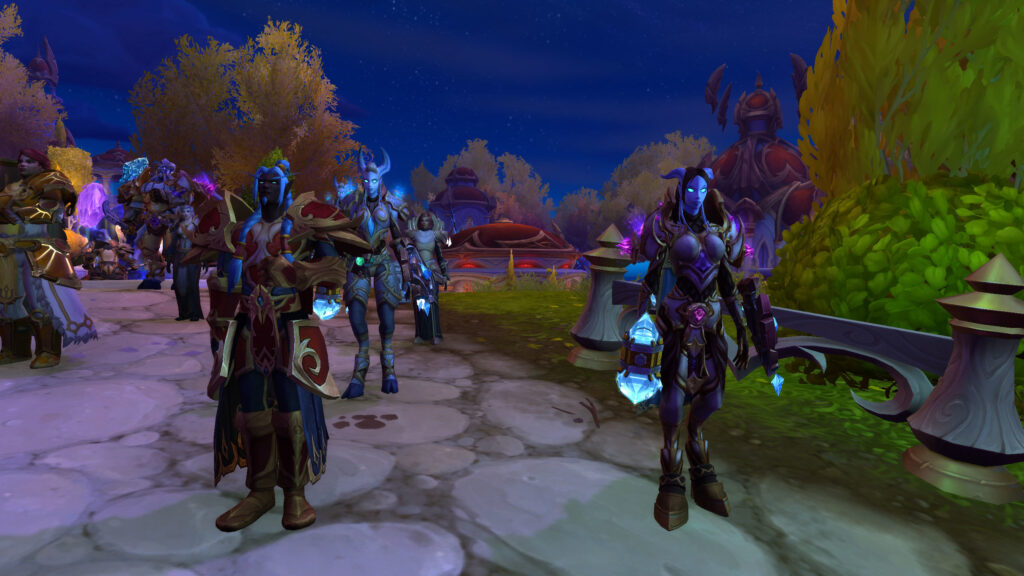
Playing WoW with a controller isn’t about outperforming keyboard and mouse players in every high-end raid. It’s about comfort, accessibility, and a different way to experience the game. For players with physical limitations or those who simply want to relax on a couch, a controller offers a welcome change.
Modern controllers, combined with specific addons, can be highly customizable. This allows you to map almost every important action to a button or button combination, turning your controller into a powerful, ergonomic input device. Embrace this alternative to make your World of Warcraft experience more enjoyable and sustainable over many hours.
Basic Controller Setup for WoW
| Controller Action | Recommended Mapping | Why It Works | Notes |
|---|---|---|---|
| Movement | Left Analog Stick | Natural, fluid character movement. | Bind ‘W’, ‘A’, ‘S’, ‘D’ to stick directions. |
| Camera Control | Right Analog Stick | Standard for 3D games, intuitive camera rotation. | Bind “Turn Left/Right” and “Pitch Up/Down” to stick. |
| Basic Abilities (Primary Rotation) | Face Buttons (A, B, X, Y or Square, Circle, X, Triangle) | Easy access for frequently used spells. | Assign your main damage/healing spells here. |
| Modifier Buttons (Shift/Ctrl/Alt) | Shoulder Buttons/Triggers (L1/R1, L2/R2 or LB/RB, LT/RT) | Allows for many more spell bindings. | Hold a trigger for Shift + Face Button. |
| Targeting | D-Pad (Left/Right for Next/Previous Enemy) | Quickly cycle targets without mouse. | Map “Target Nearest Enemy/Friend” to D-Pad. |
| Jump / Interact | A Face Button (e.g., ‘A’ or ‘X’) | Common for these actions in other games. | Bind “Jump” and “Interact with Target.” |
| Mouse Cursor Control | Left/Right Analog Stick (with a modifier) or Gyro (if available) | Needed for clicking UI elements, bags. | Use an addon like ConsolePort for this. |
Essential Addons for Controller Play
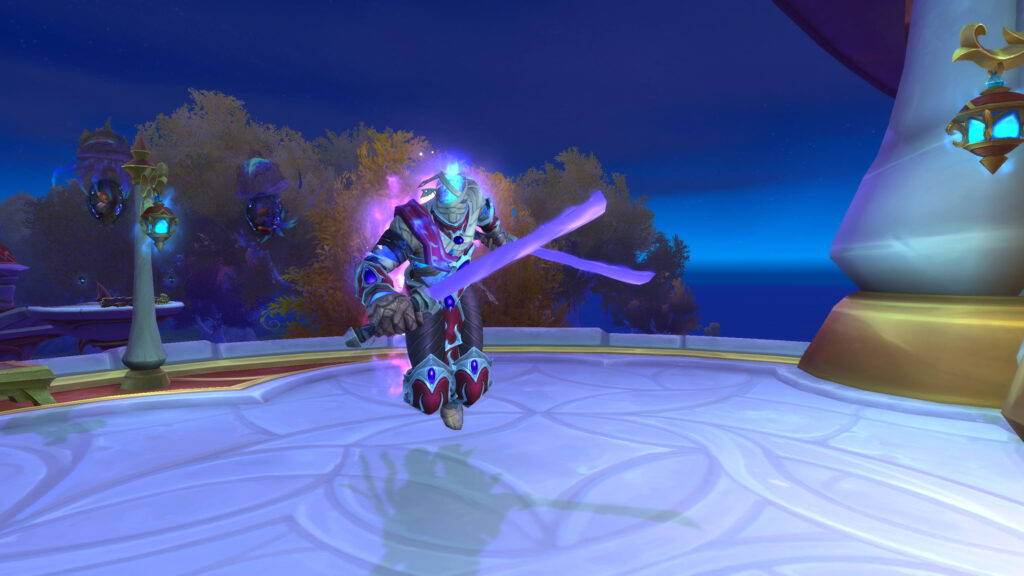
While WoW has some built-in controller support, addons like ConsolePort are essential for a smooth experience. ConsolePort completely reworks the interface and keybindings for controllers, making it feel much more like a console RPG. It provides virtual mouse control, radial menus for extra abilities, and an intuitive layout that is hard to achieve with just the default settings.
Other addons can help too, such as Bartender4 for custom action bars that fit your controller layout, or Leatrix Plus for automating mundane tasks. These tools bridge the gap between WoW’s PC-centric design and the controller’s input, making the game truly playable and comfortable.
Adapting Your Playstyle to a Controller
Playing WoW with a controller requires a different mindset. You’ll rely more on tab-targeting and less on precise mouse clicks. Your movement will be more fluid with the analog stick. You’ll also use fewer keybinds, so focus on your most important abilities and macros.

This setup is excellent for questing, exploring, crafting, and even leveling. For high-end raiding or Mythic Plus, it can be more challenging due to the need for very fast, precise targeting and many abilities, but casual dungeons are entirely doable. The key is to adapt your playstyle to the strengths of the controller, maximizing comfort over extreme precision.
Conclusion: Comfort in Azeroth
Playing World of Warcraft with a controller is a viable and comfortable alternative for many players, especially for long sessions or those seeking a more relaxed experience. By using a good controller setup and essential addons, you can enjoy Azeroth from a new perspective, reducing strain and enhancing comfort. Embrace this alternative control scheme, and find your perfect balance of immersion and ease. Your journey through Azeroth can be just as epic from the couch.




Leave a Reply