

As they say, a journey of a thousand miles begins with a single step, and your foray into managing addons in World of Warcraft is no exception. You’re standing at the threshold of a world where the right tools can elevate your gameplay to new heights, and understanding how to manage these powerful extras is your first stride towards mastery. With the plethora of available addons, each offering unique functionalities, you’ll need to navigate this landscape with the finesse of a seasoned adventurer. By the end of this guide, you’ll not only have the knowledge to select and install the addons that best fit your playstyle, but you’ll also possess the savvy to keep them in perfect working order. So, sharpen your swords and ready your spells—it’s time to uncover the secrets to managing your World of Warcraft addons with the precision of a true champion, and what awaits you is a transformed gaming experience that awaits your command.
Understanding Addons
In World of Warcraft, addons are essential tools that can significantly enhance your gaming experience by adding new functionalities and customization options to the user interface. These addons are usually downloaded and extracted to your “addons folder,” which is nestled within the World of Warcraft directory on your computer. You’ll find a plethora of popular addons tailored to different aspects of the game, whether you’re raiding, managing your inventory, or tracking your quests.

Each core addon serves a unique purpose and can be a game-changer in how you play. For instance, a separate addon might revamp your action bars, while another keeps a particular addon active to monitor your cooldowns. It’s common for players to run multiple additional addons simultaneously, seamlessly integrating them to create a personalized gaming environment.
Locating and Choosing Addons
Now that you’re familiar with the basics of addons, let’s explore how to find and select the best ones to suit your World of Warcraft gameplay needs. Start by scouting popular addon websites like CurseForge and WoWInterface. These sites categorize addons so you can easily browse based on the functionality you’re looking for. Pay close attention to user reviews and ratings, as they’ll give you a sense of the addon’s reliability and usefulness.

Once you’ve found an addon that piques your interest, check if it’s compatible with your game version and that it’s being regularly updated. Keeping your game files in sync with the latest addon versions ensures a smoother experience. After downloading an addon, you’ll need to place the extracted files into your WoW addon folder. This is usually located within the Interface folder of your World of Warcraft directory.
When you next launch the game, open the addon list from the character select screen to make sure your new addon is enabled. From here, you can also manage your entire collection, toggling each addon on or off as needed. Remember to revisit your addon choices periodically to keep your setup optimized for your evolving gameplay style.
Installing Addons Manually
Once you’ve chosen your desired addons, you’ll need to download and manually install them into your World of Warcraft directory. Don’t worry, it’s simpler than it sounds! Here’s a quick guide to get you started.
First, download the addon files. These often come in a .zip format. Once downloaded, you’ll have to extract them. Use a file extraction program like WinRAR or 7-Zip to do this. You’re aiming to get a folder which you’ll place into the AddOns folder within your World of Warcraft directory. This is usually located in the _retail_ subfolder of your WoW installation.
To make sure you’re on the right track, check out this table for a handy overview of the steps:
| Step | Action | Location |
|---|---|---|
| 1 | Download Addon | Trusted websites |
| 2 | Extract Files | Use file extraction software |
| 3 | Locate WoW Directory | Usually in C:\Program Files |
| 4 | Open AddOns Folder | Inside the _retail_ subfolder |
| 5 | Place Addon Folder | Into the AddOns directory |
After placing the addon folder in the correct location, restart your game client. Then, from the character selection screen, click the Addons button to ensure your new addons are listed and enabled. Voilà! You’re all set to enjoy your enhanced gameplay.
Utilizing Addon Managers
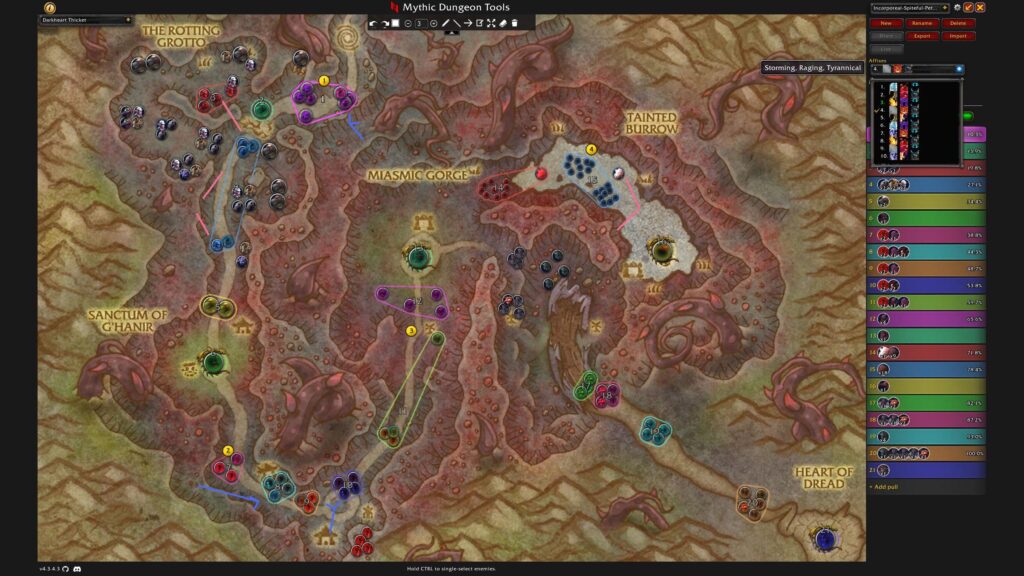
Addon managers streamline the process of managing your World of Warcraft addons, letting you easily install, update, and organize them with minimal effort. Once you’ve got your hands on an addon manager, you’re just a few clicks away from enhancing your in-game experience. Here’s how you can make the most out of these tools:
- Install and Update Addons:
- Open the addon manager and browse through the vast library of available addons.
- Click ‘install’ for the addons you want and the manager will handle the rest.
- Keep your addons up-to-date with the simple ‘update all’ feature.
- Organize Your Addons:
- Use the manager to categorize your addons by type or function.
- Enable or disable addons without having to log out of the game.
- Set up profiles to quickly switch between addon configurations for different characters or activities.
- Backup and Restore:
- Regularly backup your addon settings within the manager to safeguard your customizations.
- Restore previous settings with ease if you encounter any issues or if you’re setting up the game on a new computer.
Updating and Organizing Addons
To ensure your gameplay remains smooth and enjoyable, it’s crucial to regularly update and neatly organize your World of Warcraft addons. Keeping them current means you’ll benefit from the latest features and essential bug fixes. Most addon managers make updating a breeze, allowing you to refresh all your addons with just a single click.

When it comes to organizing, consider which addons you use most and if some may be outdated or no longer necessary. You can declutter your interface by disabling or removing these. It’s wise to back up your addon settings periodically, especially before a major game update. This way, you’ll avoid the heartache of losing your personalized configurations.
Conclusion
You’ve now ventured beyond the realm of basic play into the enchanted lands of addons, a world where your Azerothian experience is limited only by your imagination. Like a master smith at the anvil, you’re ready to forge your gameplay with personalized touches that’ll make the interface sing to your command. Keep your addons updated, your features sharp, and your adventures will unfold with newfound brilliance. Welcome to the guild of savvy adventurers – your quest for the ultimate gameplay begins here.
Also you can Buy Cataclysm Gold for effortlessly experience!





Leave a Reply